Measure Master logo
Measure Master
3-in-1 measuring tool
v1 · field testing
All-in-one measuring app

3-in-1 measuring tool

AR, photo perspective, and on-screen.

Measure real-world distances, correct perspective in photos, and draw shapes directly on your screen — all in one place.

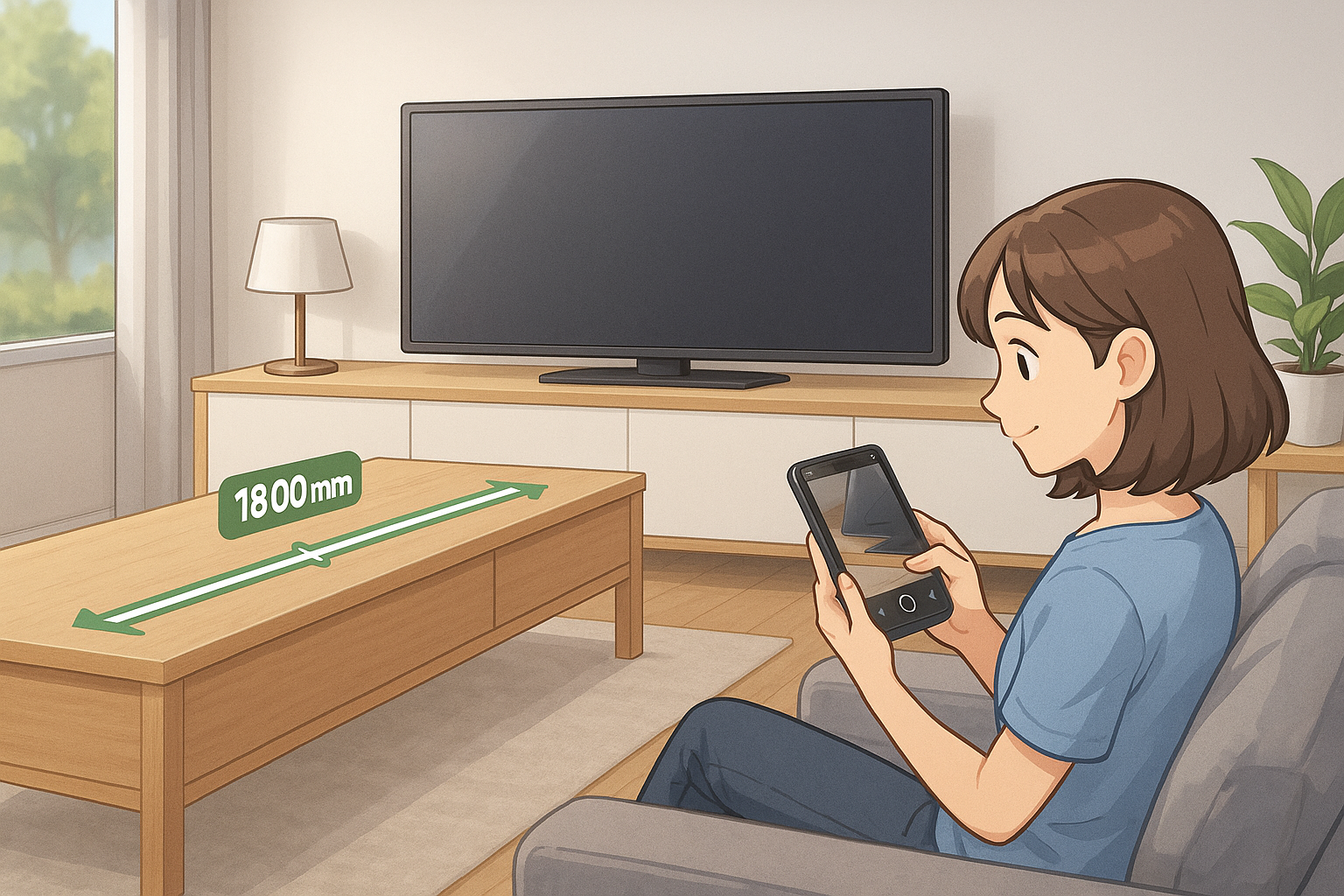
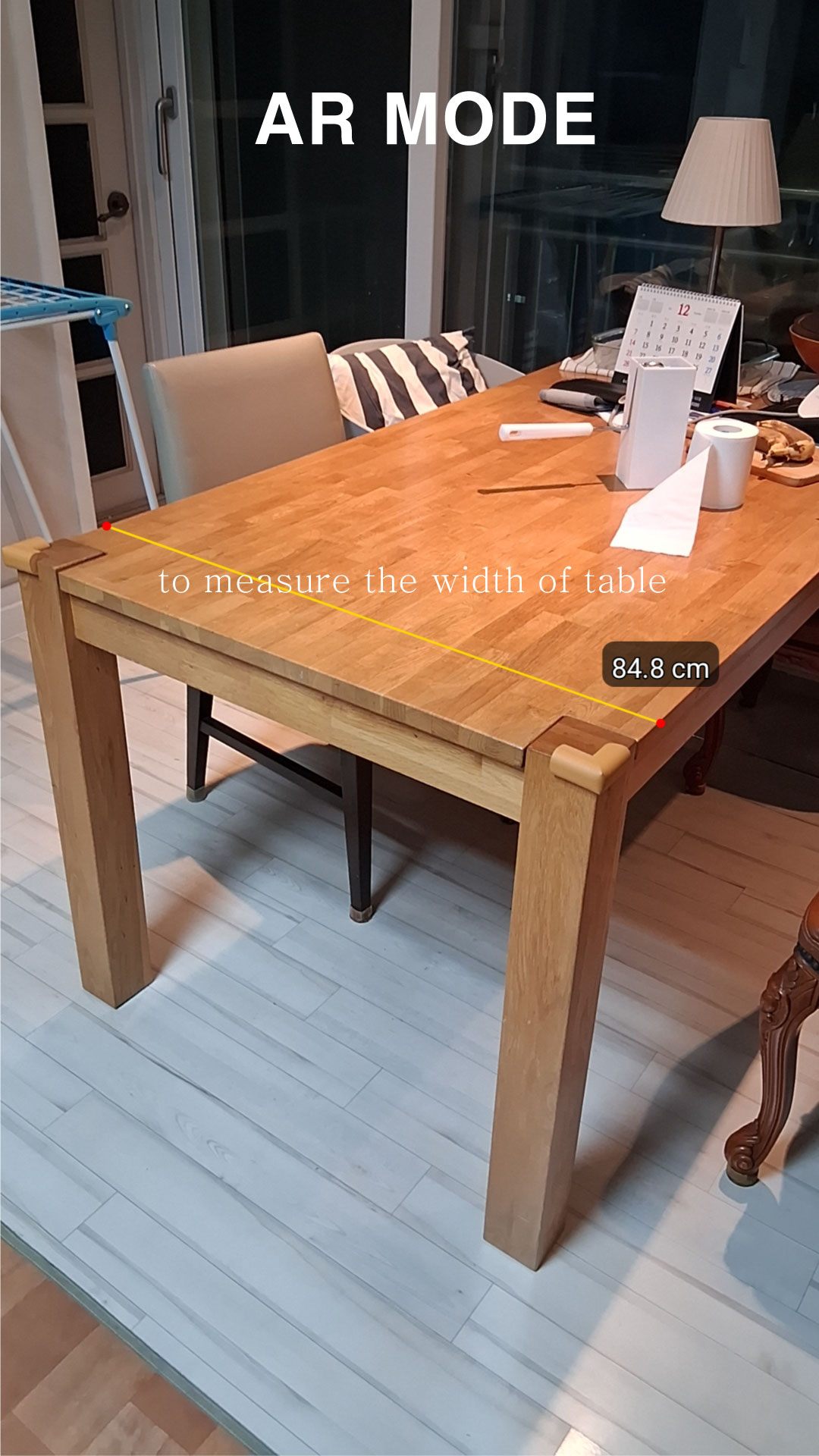
AR mode measuring a table in a living room
AR mode
Measure real-time distance between two points indoors using the AR camera.
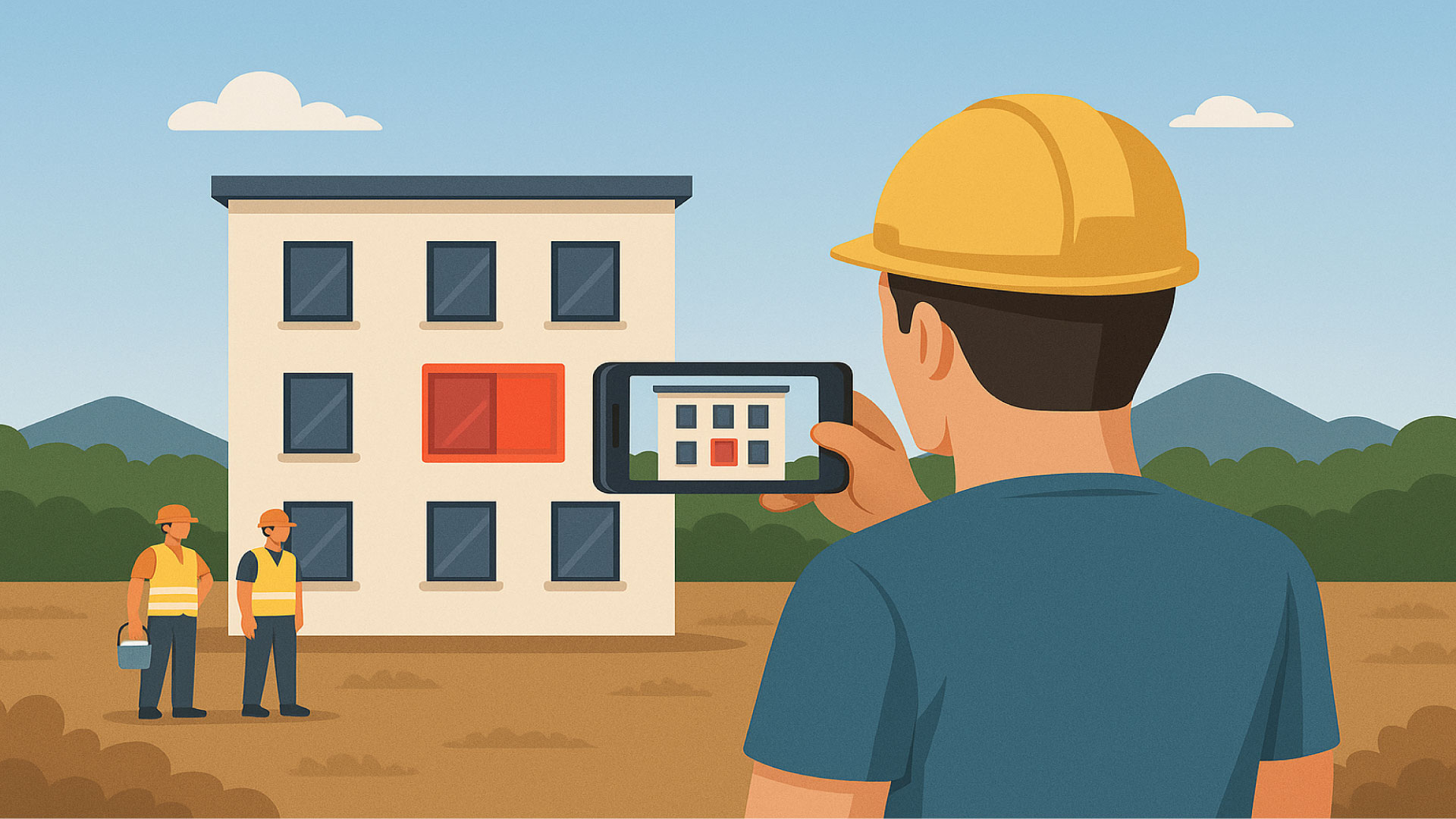
Photo perspective mode measuring a building facade
Photo perspective mode
Estimate the actual perimeter or area in a photo using a basic reference rectangle and perspective correction.
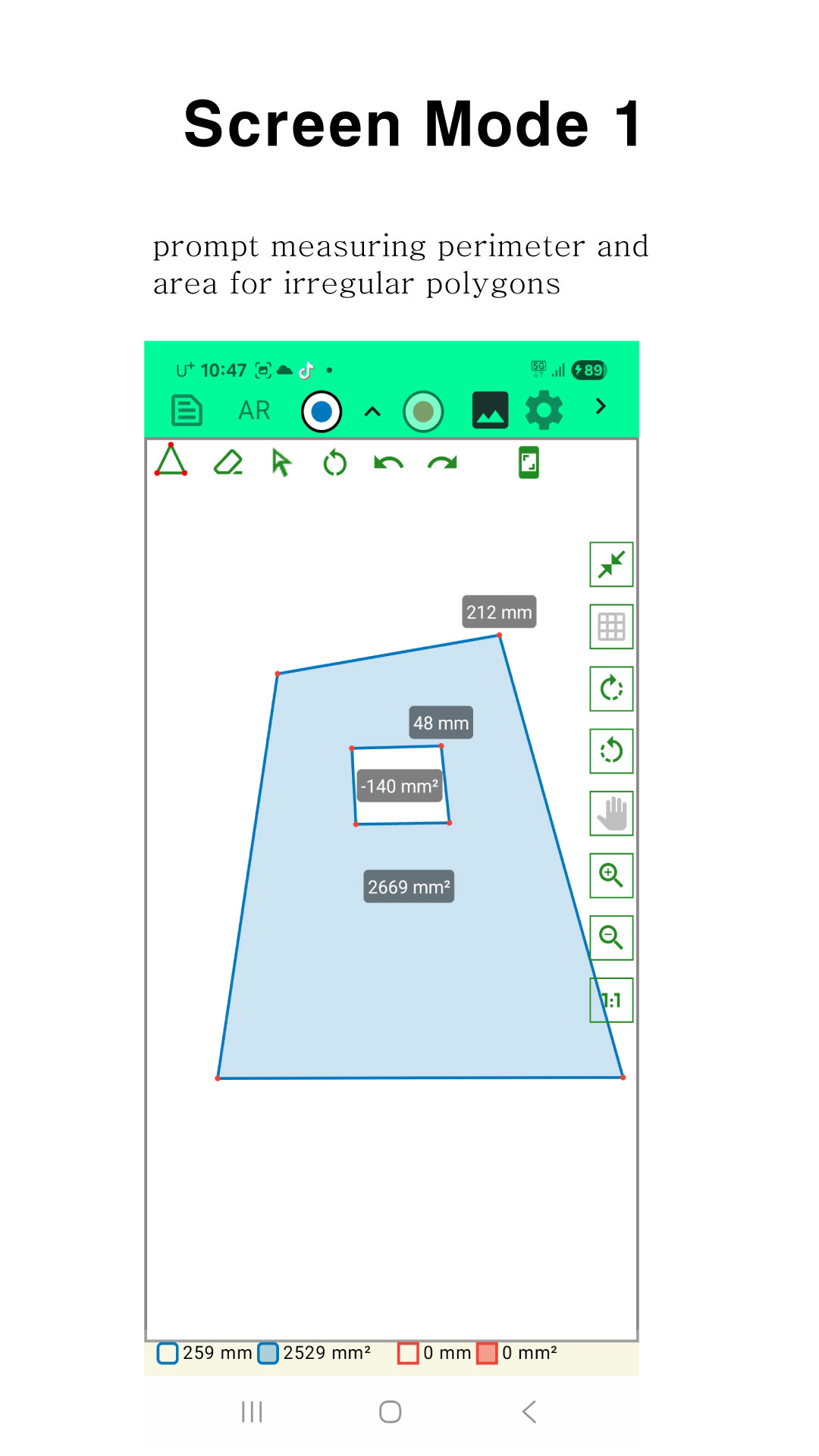
On-screen mode with free-drawn shapes and area labels
On-screen mode
Draw shapes directly on your screen and get approximate length and area immediately.

Who is Measure Master for?

It’s optimized not for ultra-precise engineering work, but for fast decisions on site.

Job-site estimates
Contractors and remodelers
Take one photo on site instead of drawing a quick sketch. As long as you include a known rectangle (like A4 paper), you can revisit the photo later and estimate lengths and areas.
Area checks
Doors, windows, flooring, and more
When you just need to know “about how many square meters this is,” trace the outline and see the approximate area on the spot.
Visual reports
Photos with dimensions on top
Overlay measurements directly on the photo, capture the screen, and share it as a simple report with clients or colleagues.

Key features

From photo perspective correction to curved line length, Measure Master focuses on the tools you actually use in the field.

Perspective correction
Fix distortion with a reference rectangle
Place a reference rectangle with known dimensions (for example, A4 paper). Using that, the app corrects perspective and estimates length and area on the photo.
Free-form shapes
Measure complex outlines
Trace straight or curved boundaries with your finger. The app adds up total length and area for each shape and for the overall selection.
Field-friendly UI
Designed for small screens and quick use
The interface minimizes steps and button count so you can operate it quickly even when you are on site, wearing gloves, or in a hurry.

Screenshots

These screenshots are the same ones used on the Google Play listing.

Perspective-corrected measuring screen
Set up a reference rectangle, then measure lengths and areas in the corrected view.
AR measuring screen
Use AR mode to measure a segment directly in 3D space.
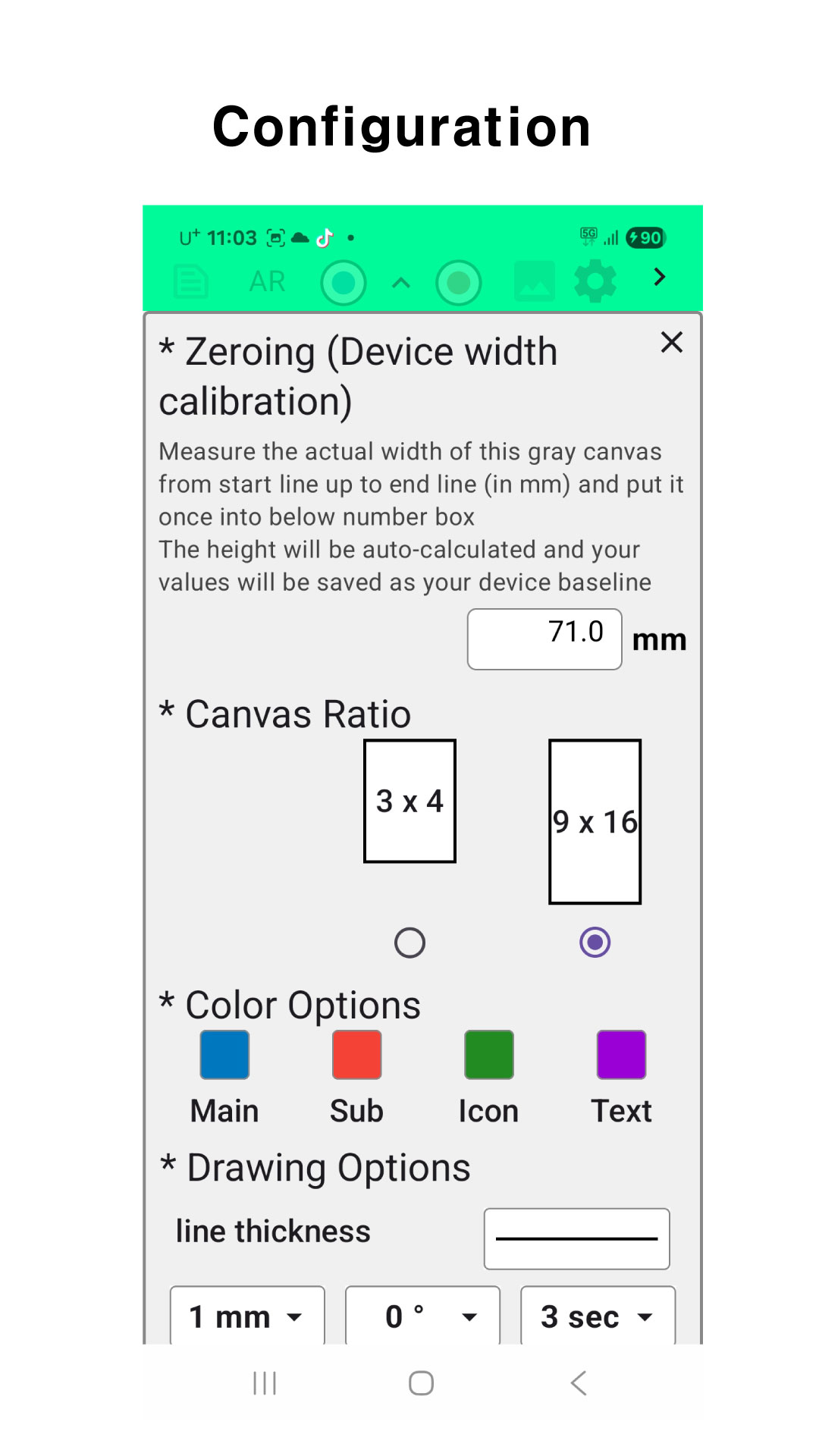
Configuration and mode settings
Configure units, reference rectangle values, and other options before you measure.

About accuracy and limitations

Measure Master aims to bring the feel of “tape measure + field sense” into your phone. Please keep the following in mind.

  • It targets approximate values for decision-making, not certified engineering-grade measurements.
  • The more accurate your reference rectangle dimensions are, the more reliable the results will be.
  • Camera angle, photo quality, and lens distortion can all introduce error.
  • For legal or contractual measurements, you must still use proper professional tools and procedures.

Try measuring with just a photo.

The app is currently in tester-only mode, but it is already usable for real-world jobs.
We are iterating based on feedback from people who actually work on site.

If you have trouble installing, please check the How to use page first.
Loading visit count…
Account for testers and reviewers
Create an account below, then go to the Reviews page to leave feedback.

Already have an account? Go to log in